

What You Need Before Starting
Breadcrumb Setup Guide
This guide ensures you are fully set up on Breadcrumb before attending site so you can check in, receive tasks, and meet site requirements.
Download the Breadcrumb App
Open App Store (iPhone) or Google Play Store (Android)
Search “Breadcrumb”
Download and install the app
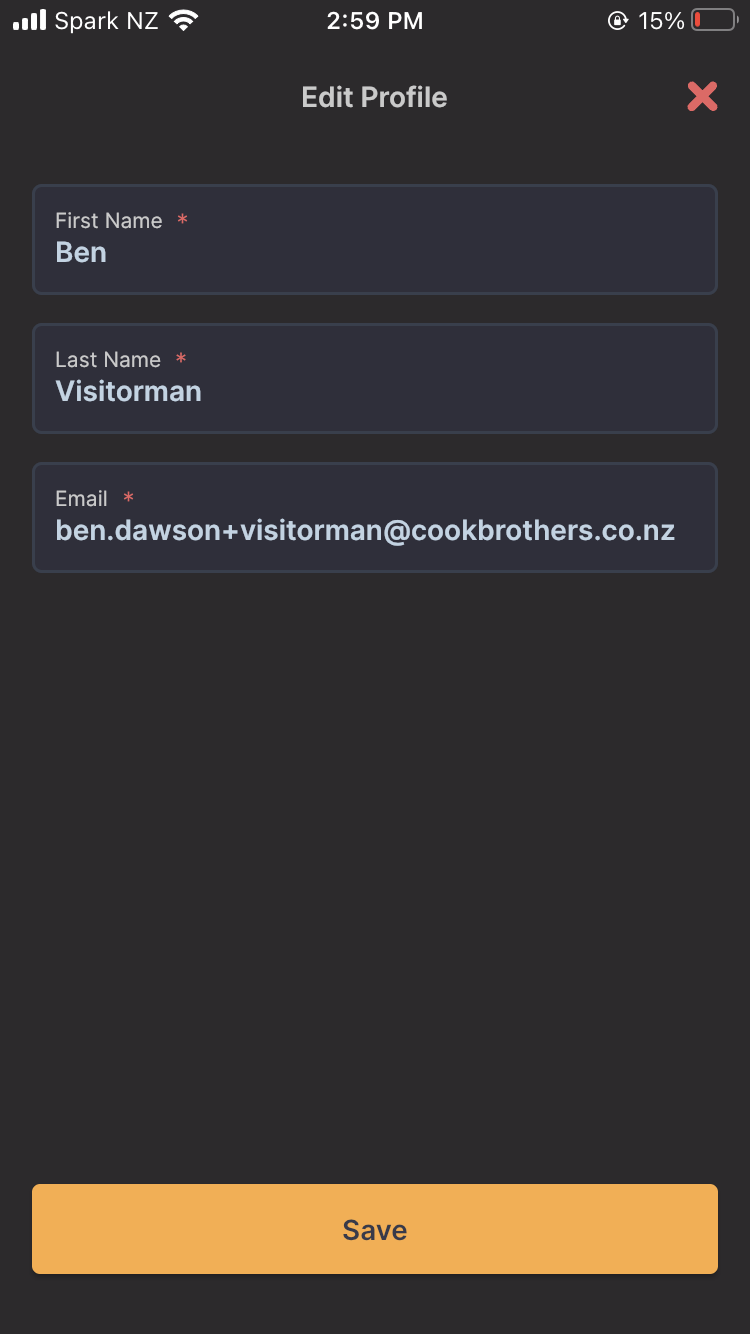
LOG IN TO YOUR ACCOUNT
Once logged in, you will see a list of sites
Search for the site you will be working at
Select the correct site before attending
If you cannot find your site, contact your supervisor before going to site
FAMILIARISE YOURSELF WITH THE APP
Check In / Check Out – used when arriving and leaving site
Tasks / Forms – complete inductions and safety forms
Messages / Updates – all site communication
VOILA! YOU ARE NOW ON BREADCRUMB
IF YOU HAVE ISSUES
Use “Forgot Password”
Check your internet connection
Confirm you are using the correct email
Contact your site supervisor or project manager
A smartphone (iPhone or Android)
Internet access (Wi-Fi or mobile data)
Your work email address (used by the company to set up your account)
Login instructions or invite link from your supervisor
LOG IN TO YOUR ACCOUNT
Open the Breadcrumb app
Tap “Log In”
Enter your email and password
First time login:
Tap “Forgot Password”
Check your email (including spam/junk)
Follow the link to set your password
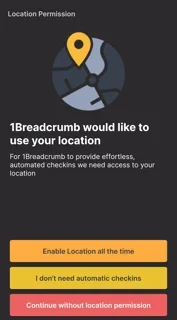
ENABLE REQUIRED SETTINGS
Turn ON the following on the app:
Location Services (GPS) – required for site check-in
Notifications – required for alerts, updates, and tasks